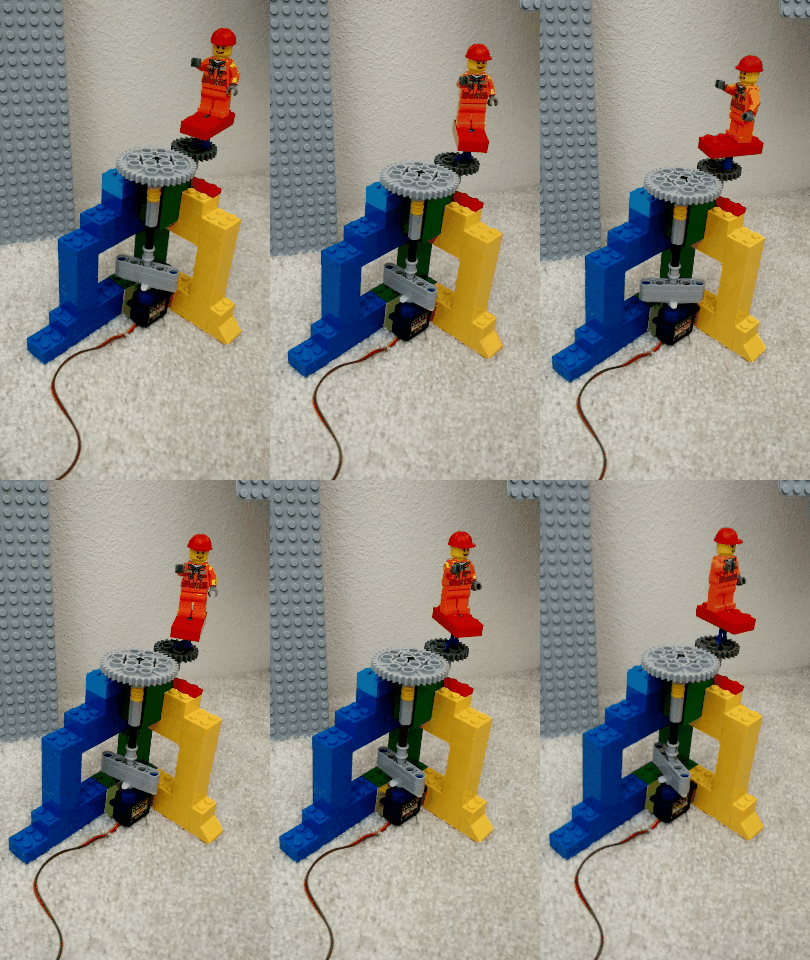
Play with Arduino UNO using Golang (and Lego!)
Requirements
- Having Golang installed and GOPATH set;
- Having an arduino UNO with some other components;
- It will be more fun if you also have some Lego parts.
Steps
-
Install Homebrew Because I'm using Mac, and Gort for Mac uses Homebrew.
-
Install Gort
$ ./gort scan serial $ ./gort arduino install $ ./gort arduino upload firmate [serial] -
Install tarm/goserial It has been replaced by tarm/serial but Gobot still uses the old one.
$ go get github.com/tarm/goserial -
Install Gobot for arduino Then you should be able to run the examples using Gobot!
A servo example
servo.go
package main

import (
    "fmt"
    "time"
    "github.com/hybridgroup/gobot"
    "github.com/hybridgroup/gobot/platforms/firmata"
    "github.com/hybridgroup/gobot/platforms/gpio"
)

func main() {
    gbot := gobot.NewGobot()

    firmataAdaptor := firmata.NewFirmataAdaptor("firmata", "/dev/tty.usbmodem1411")
    servo := gpio.NewServoDriver(firmataAdaptor, "servo", "7")

    work := func() {
        gobot.Every(500*time.Millisecond, func() {
            i := uint8(gobot.Rand(100) + 50)
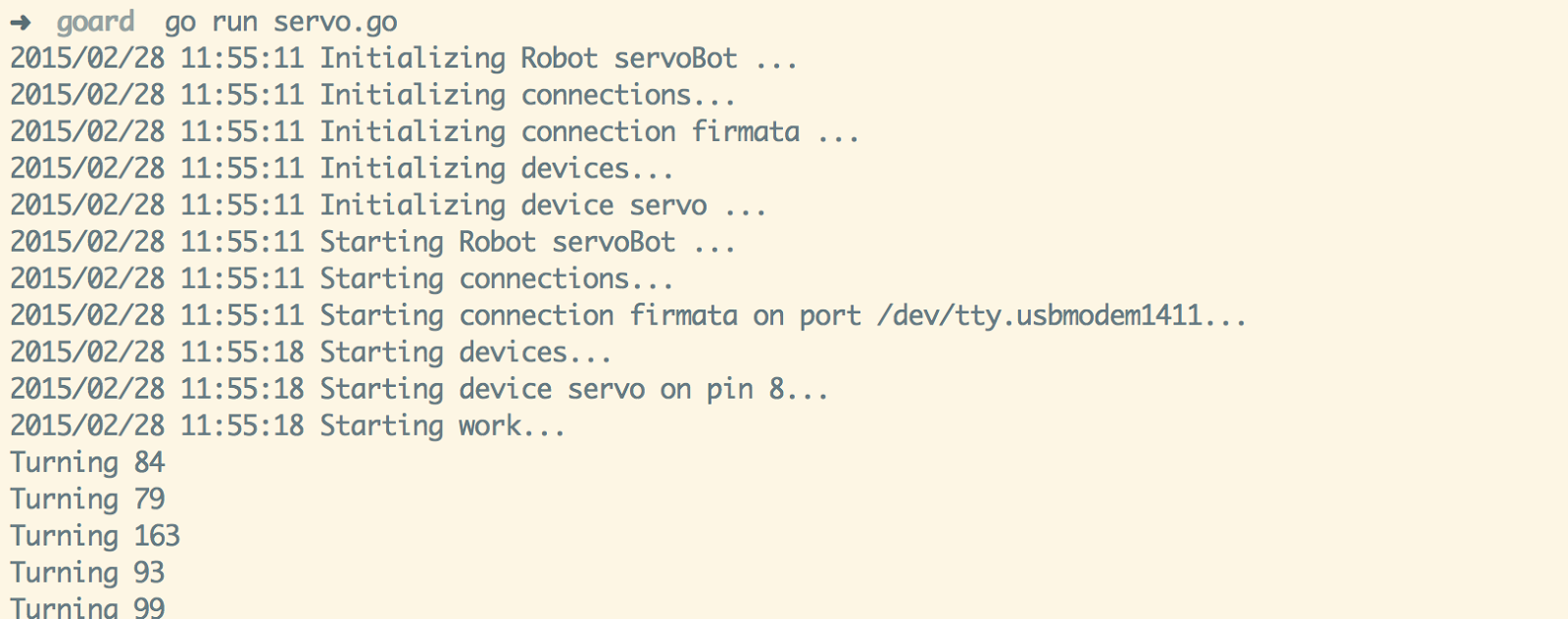
            fmt.Println("Turning", i)
            servo.Move(i)
        })
    }
    robot := gobot.NewRobot("servoBot",
        []gobot.Connection{firmataAdaptor},
        []gobot.Device{servo},
        work,
    )
    gbot.AddRobot(robot)
    gbot.Start()
}